
Use Code: ND30 And Get 30% OFF | Get Free Delivery With No Minimum Order
-1744229570.gif "Almujtama Pharmacy logo")
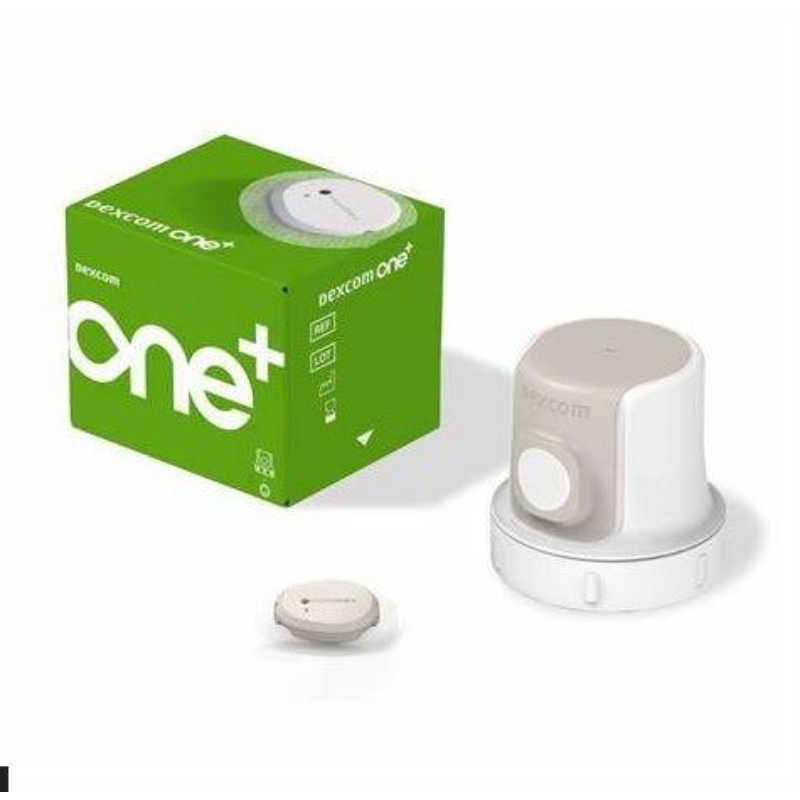



Dexcom One+ Plus Glucose Monitor
- Sku : I-034223
Key features
Dexcom ONE+ is a real-time continuous glucose monitoring (rt-CGM) system that provides glucose readings automatically every 5 minutes with: • No fingerstick required for treatment decisions* • No scanning needed, the system works spontaneously upon pairing • Easy to apply All-in-one applicator and sensor • 30 minutes warmup with no downtime between sensors, no reading disruption • Sensor life: 10 days + 12-hour grace period • Waterproof up to 2.4 meters for 24 hours • 10 meter Bluetooth range • 24 hours memory so no glucose reading interruption • Three Wear options location o Back of upper arm (all users) o Abdomen (all users) o Upper buttocks (ages 2–6) Dexcom One+ System component: • Sensor box including Applicator all in one, an Overpatch and userguide • Downloadable Dexcom One+ App supports Android and IOS Smartphone. Always check compatibility on: https://www.dexcom.com/compatibility Apple watch can mirror the iPhone and Dexcom One+ App to provide glucose readings • Downloadable Follow App to enable 10 follower to support people living with diabetes • Downloadable Clarity App to enable your doctor to follow your glucose readings and patterns • Optional receiver that can be purchased alone How to Use: 1. Download the Dexcom ONE+ App or use the receiver. 2. Create or log in to your Dexcom account. 3. Follow the in-app instructions to: • Enable Bluetooth • Insert the sensor using one button press • Apply over patch • Pair the sensor • Wait 30 min warm-up 4. View real-time readings and trends in the app. 5. Use alerts to monitor high and low glucose. 6. Add events (meals, insulin, activity) for better insights. 7. Replace sensor after 10 days or during the grace period. You Can Use the Dexcom ONE+ App To: 1. View glucose readings and trends 2. Set and customize alerts 3. Add and track events like insulin, meals, activity 4. See Clarity Card and time-in-range reports 5. Share data with caregivers or healthcare providers. What to Know About Glucose Alarms: 1. Customizable high and low alerts with sound, vibration, snooze, and “Delay First High Alert” feature. 2. Delay 1st High Alert reduces unnecessary alarms and helps avoid alarm fatigue. 3. Alerts can be personalized by level and timing. Applying Your Sensor: 1. Wash and dry hands. 2. Clean site with alcohol and let it dry. 3. Unscrew applicator cap. 4. Place applicator on skin and press button. 5. Rub around patch and gently press sensor. 6. Apply over patch for extra hold. Starting Your Sensor: 1. Insert sensor 2. Enter pairing code in app 3. Wait for 30-minute warm-up 4. Glucose readings will begin automatically What to Know About Wearing the Sensor: 1. Wear on: • Back of upper arm (all users) • Abdomen (all users) • Upper buttocks (ages 2–6) 2. Keep phone or receiver within 10 meters 3. Waterproof for 2.4 meters for 24 hours 4. Avoid high-frequency treatments. What to Know About Glucose Alarms: • Low alert default: 70 mg/dl (range 60 – 150 mg/dl). • High alert default: 250 mg/dl (range 100 –
Dexcom ONE+ is a real-time continuous glucose monitoring (rt-CGM) system that provides glucose readings automatically every 5 minutes with: • No fingerstick required for treatment decisions* • No scanning needed, the system works spontaneously upon pairing • Easy to apply All-in-one applicator and sensor • 30 minutes warmup with no downtime between sensors, no reading disruption • Sensor life: 10 days + 12-hour grace period • Waterproof up to 2.4 meters for 24 hours • 10 meter Bluetooth range • 24 hours memory so no glucose reading interruption • Three Wear options location o Back of upper arm (all users) o Abdomen (all users) o Upper buttocks (ages 2–6) Dexcom One+ System component: • Sensor box including Applicator all in one, an Overpatch and userguide • Downloadable Dexcom One+ App supports Android and IOS Smartphone. Always check compatibility on: https://www.dexcom.com/compatibility Apple watch can mirror the iPhone and Dexcom One+ App to provide glucose readings • Downloadable Follow App to enable 10 follower to support people living with diabetes • Downloadable Clarity App to enable your doctor to follow your glucose readings and patterns • Optional receiver that can be purchased alone How to Use: 1. Download the Dexcom ONE+ App or use the receiver. 2. Create or log in to your Dexcom account. 3. Follow the in-app instructions to: • Enable Bluetooth • Insert the sensor using one button press • Apply over patch • Pair the sensor • Wait 30 min warm-up 4. View real-time readings and trends in the app. 5. Use alerts to monitor high and low glucose. 6. Add events (meals, insulin, activity) for better insights. 7. Replace sensor after 10 days or during the grace period. You Can Use the Dexcom ONE+ App To: 1. View glucose readings and trends 2. Set and customize alerts 3. Add and track events like insulin, meals, activity 4. See Clarity Card and time-in-range reports 5. Share data with caregivers or healthcare providers. What to Know About Glucose Alarms: 1. Customizable high and low alerts with sound, vibration, snooze, and “Delay First High Alert” feature. 2. Delay 1st High Alert reduces unnecessary alarms and helps avoid alarm fatigue. 3. Alerts can be personalized by level and timing. Applying Your Sensor: 1. Wash and dry hands. 2. Clean site with alcohol and let it dry. 3. Unscrew applicator cap. 4. Place applicator on skin and press button. 5. Rub around patch and gently press sensor. 6. Apply over patch for extra hold. Starting Your Sensor: 1. Insert sensor 2. Enter pairing code in app 3. Wait for 30-minute warm-up 4. Glucose readings will begin automatically What to Know About Wearing the Sensor: 1. Wear on: • Back of upper arm (all users) • Abdomen (all users) • Upper buttocks (ages 2–6) 2. Keep phone or receiver within 10 meters 3. Waterproof for 2.4 meters for 24 hours 4. Avoid high-frequency treatments. What to Know About Glucose Alarms: • Low alert default: 70 mg/dl (range 60 – 150 mg/dl). • High alert default: 250 mg/dl (range 100 –
How to Use
1. Download the Dexcom ONE+ App or use the receiver. 2. Create or log in to your Dexcom account. 3. Follow the in-app instructions to: • Enable Bluetooth • Insert the sensor using one button press • Apply over patch • Pair the sensor • Wait 30 min warm-up 4. View real-time readings and trends in the app. 5. Use alerts to monitor high and low glucose. 6. Add events (meals, insulin, activity) for better insights. 7. Replace sensor after 10 days or during the grace period. You Can Use the Dexcom ONE+ App To: 1. View glucose readings and trends 2. Set and customize alerts 3. Add and track events like insulin, meals, activity 4. See Clarity Card and time-in-range reports 5. Share data with caregivers or healthcare providers. What to Know About Glucose Alarms: 1. Customizable high and low alerts with sound, vibration, snooze, and “Delay First High Alert” feature. 2. Delay 1st High Alert reduces unnecessary alarms and helps avoid alarm fatigue. 3. Alerts can be personalized by level and timin
Safety Tips
1. Don’t wear during MRI or diathermy. 2. Avoid lotions, sunscreen, or repellent near the sensor site. 3. Use blood glucose meter if: No number or arrow is shown OR Symptoms don’t match the reading. 4. Hydroxyurea can cause falsely elevated glucose readings on Dexcom one+. 5. Avoid areas: a. With loose skin or without enough fat to avoid muscles and bones b. That get bumped, pushed, or you lie on while sleeping c. Within 8 centimeters of infusion or injection site d. Near waistband or with irritations, scarring, tattoos, or lots of hair
Similar Products
Health Care & Wellness > Medical Supplies
Health Care & Wellness > Insects Prevention
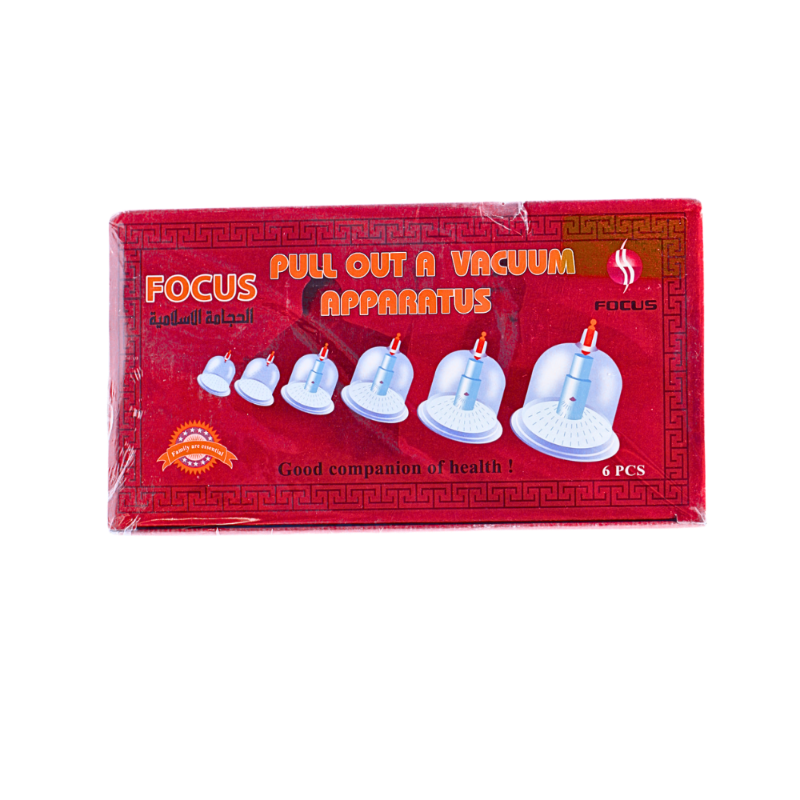
Health Care & Wellness > Medical Supplies
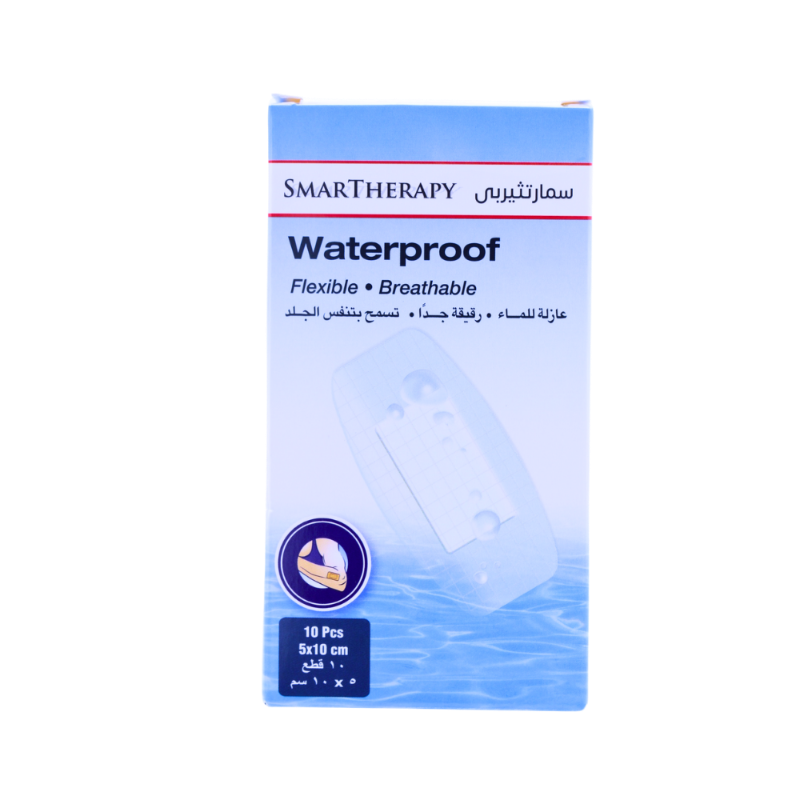
Health Care & Wellness > Medical Supplies
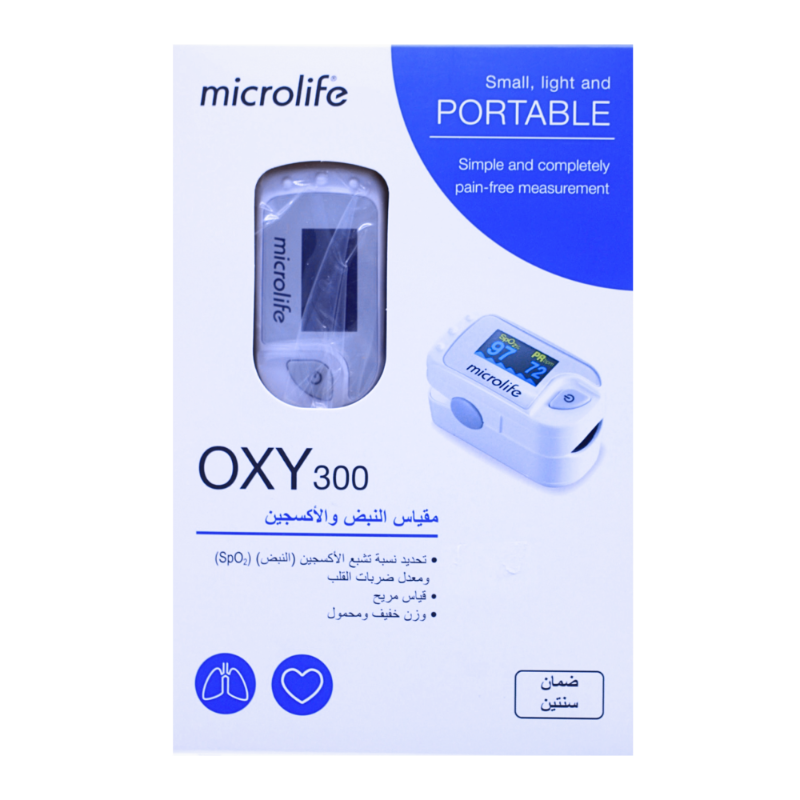
Health Care & Wellness > Medical Supplies
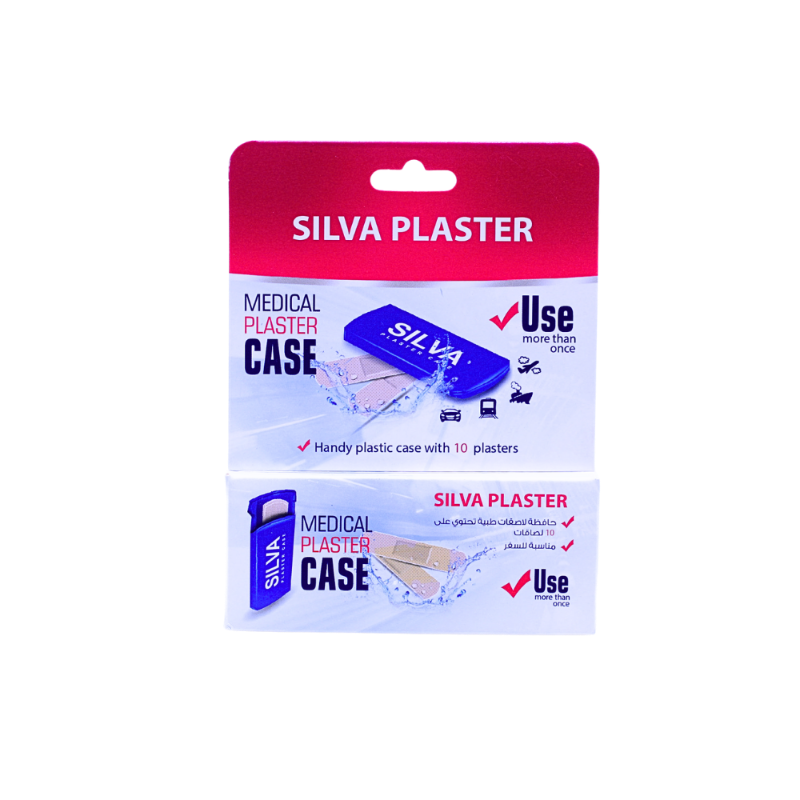
Health Care & Wellness > Medical Supplies

Health Care & Wellness > Healthy Food And Drinks
Health Care & Wellness > Medical Supplies

Health Care & Wellness > Sterilizers And Infection Control

Health Care & Wellness > Fever & Pain Management
